PromptChan

 Loading...
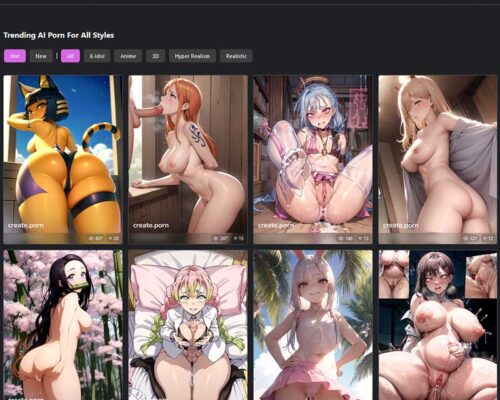
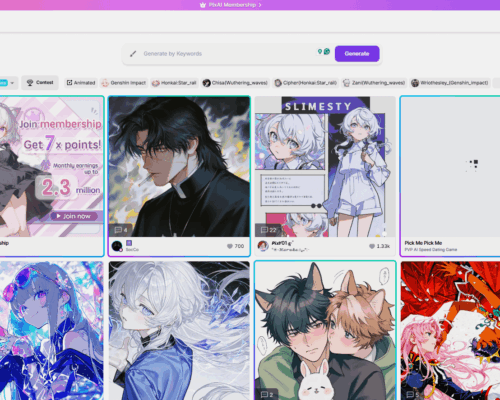
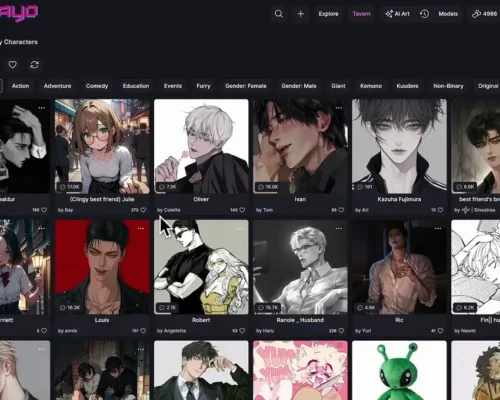
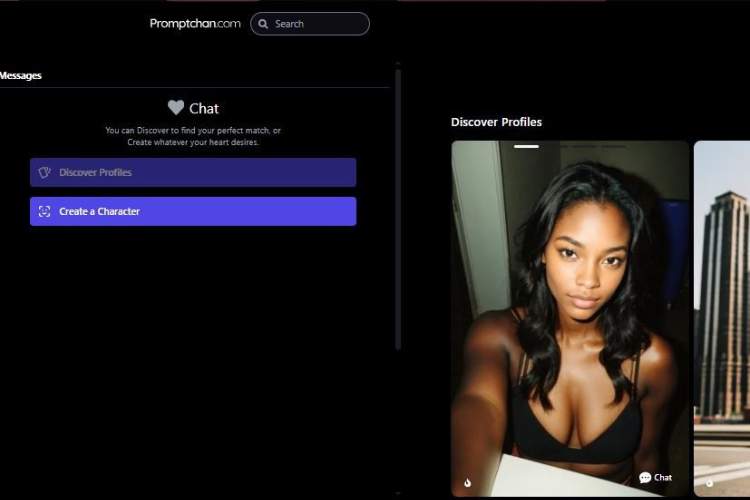
PromptChan doesn’t greet you with tools or settings. It greets you with images. Rows of them. Different moods, styles, characters — all made by other people from simple prompts. You scroll for a minute and, without realizing it, you start understanding what’s possible here.
By the time you decide to generate something yourself, you’re not guessing. You’ve already seen how others did it.
Creating an account just lets you step into that same flow. Save what you like, look at the prompts behind the images, and begin trying small variations of your own without feeling like you’re starting from zero.
Small wording changes, very different results
The interesting part is how sensitive the system is to small edits. A few extra words about lighting, mood, or angle can noticeably shift the outcome. You can drift toward anime-style visuals, stylized digital art, or more realistic 3D character looks just by adjusting how you describe the scene.
Tags and examples from other users help a lot here. Instead of staring at a blank prompt box, you borrow an approach, tweak it, and see where it goes.
Watching how others prompt is part of the learning
A big part of the experience is simply observing. People share their prompts, their results, and different versions of the same idea. You begin to see patterns — what kind of wording leads to what kind of image.
At some point, it stops feeling like “trying a generator” and starts feeling like experimenting with ideas.
There’s also room to go beyond still images, with options for short animated outputs and character concepts that feel more alive.