
PromeAI

 Loading...
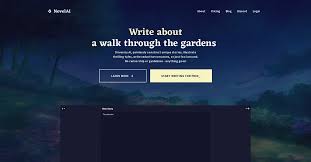
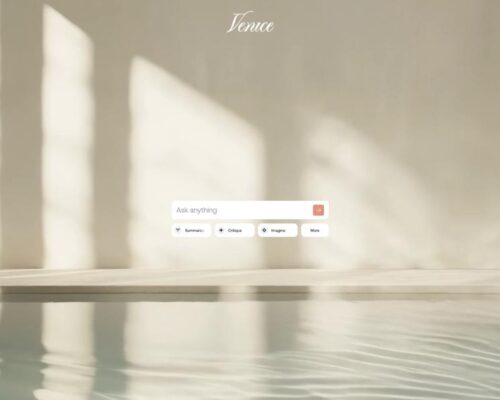
PromeAI doesn’t greet you with panels or settings. You open it and simply see what you can do. No searching through menus, no figuring out where things are — you just choose a direction and begin.
The layout is quiet and spacious, which makes trying ideas feel light. Whether it’s a quick concept or something you want to refine, nothing pulls your attention away from the task itself.
From a line of text to a finished visual
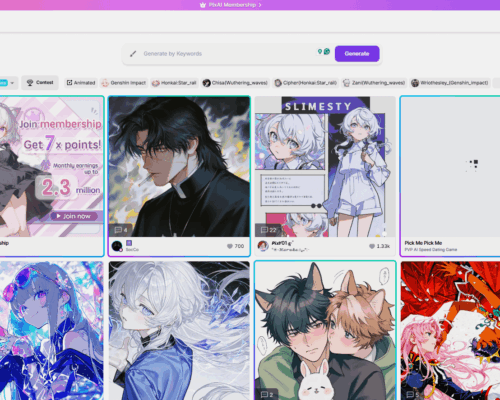
What stands out is how smoothly things move from prompt to image. You write an idea, pick a workflow, and watch it turn into something usable. Styles shift, composition adapts, and small details change naturally, so experimenting never feels slow or technical.
It feels just as natural to build something from scratch as it does to improve something you already made. A few adjustments can change the mood, sharpen the quality, or completely reshape the look.
Tools that help quietly in the background
PromeAI isn’t only about generating visuals. It also gives you simple ways to refine them. Upscaling improves clarity. Background editing lets you reshape a scene without switching to other software. Small smart tweaks make it easy to prepare images for drafts, presentations, or design work.
The platform updates often, and new models or improvements appear regularly. Yet nothing feels unfamiliar — the space stays consistent, so you can keep working without stopping to relearn anything.