Pixai

 Loading...
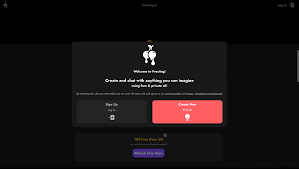
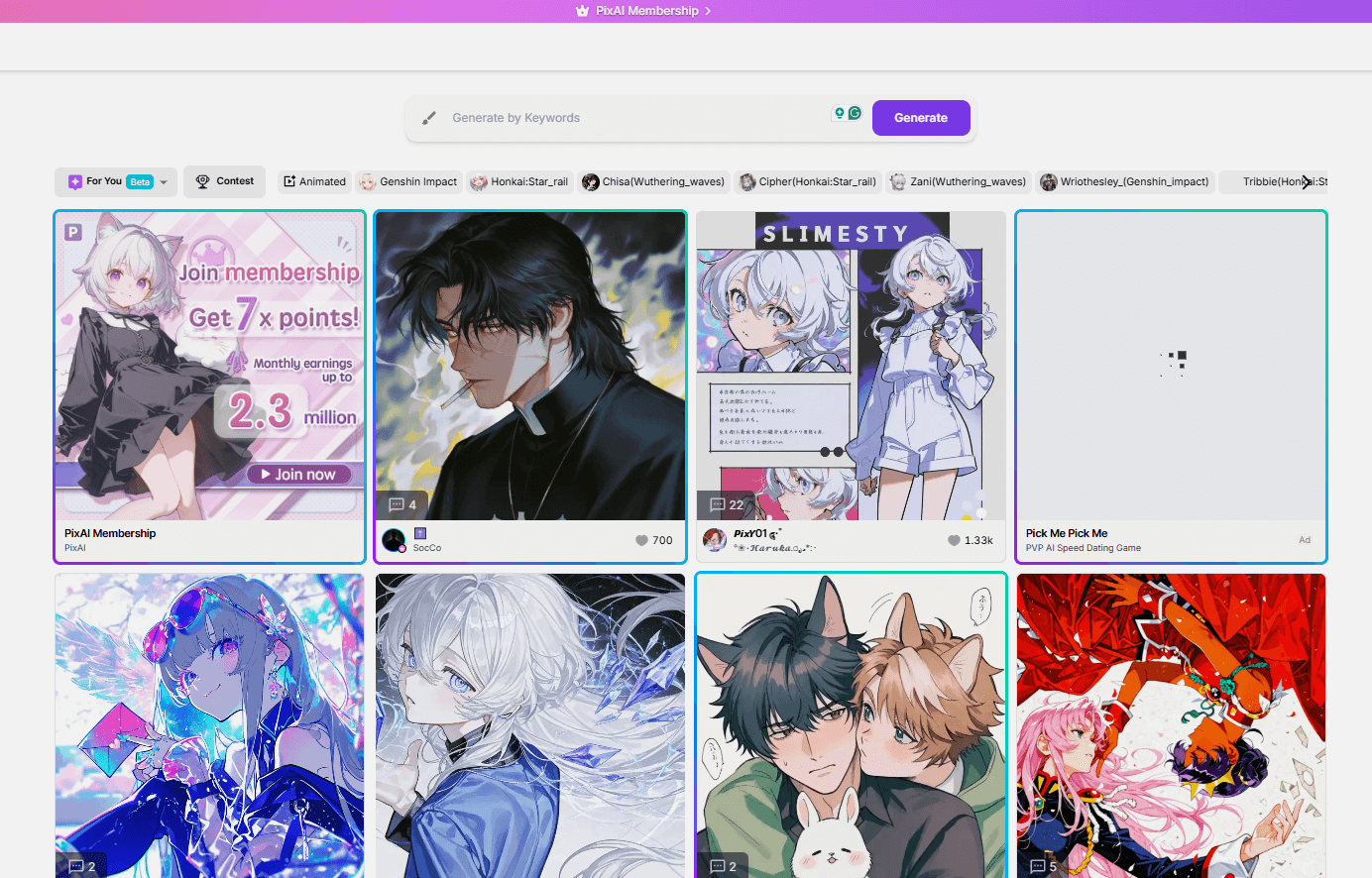
PixAI greets you with color and softness. It doesn’t feel like a dashboard. It feels like a small creative table where characters, faces, and styles are already waiting. You’re not navigating menus — you’re looking at things that make you want to click out of curiosity.
Start with someone ready, or build slowly from scratch
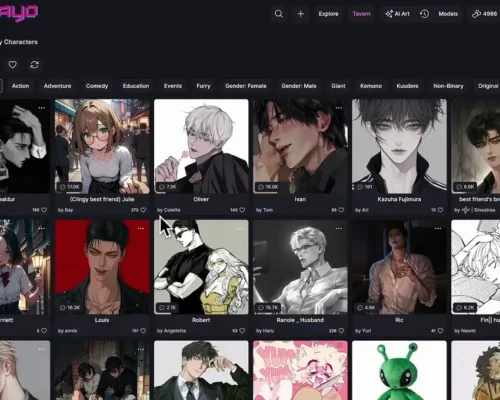
You can jump in by choosing a ready-made character and begin right away. Each one already has a mood and personality, so there’s no setup if you just want to explore. If you prefer making your own, the editor lets you tweak small visual details, expressions, and style until the character feels right to you.
Adding a reference image makes it even more interesting. A sketch, a photo, or a rough drawing can be turned into an anime-style version. It feels less like configuring settings and more like playing with an idea until it looks the way you imagined.
Conversations that don’t feel scripted
When the character is ready, you can chat. The dialogue follows your tone naturally. You can pause, come back later, change direction, and nothing feels broken. There’s no sense of learning how to use a system — it just flows as you interact.
A calm place to try ideas without pressure
PixAI mixes drawing, design, and conversation into one easy experience. You can test ideas, collect characters you like, and watch imagination turn into visuals and dialogue. Whether you spend a few minutes or stay longer, it feels like casual creative time rather than using a tool.
Categories Included
• Anime Character Creation
• Reference-Based Image Conversion
• Interactive AI Chat
• Pre-Made Character Library
• Custom Personality Settings
• User-Friendly Design Tools
• Creativity-Focused Workspace