
XFree

 Loading...
You open XFree and there’s no pause to figure things out. A vertical video is already running, and the next one shows up as soon as you scroll. There’s no catalog to browse first. You just fall into the feed and keep moving.
If you feel like it, you can upload your own clips too and be part of what others see.
A layout that stays quiet while you scroll
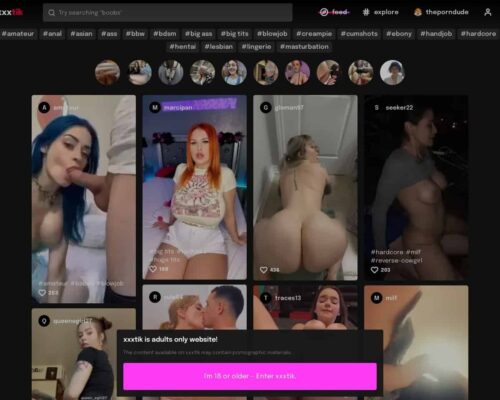
The screen uses a dark background and clear text, but most of the space belongs to the video. At the top, there’s a small search bar and simple buttons for login and uploads. Trending tags, playlists, and popular clips sit right on the homepage, so new content appears naturally as you move through the page.
Filters help sort videos by general interests, and the site supports multiple languages, which makes it easy to use from different places and on different devices.
Playlists and tags that guide you without effort
Besides regular tags, XFree groups clips into themed playlists that change often. You can run into popular creators and current trends without typing anything into the search bar.
Because new videos are added regularly, the feed always feels active and slightly different each time.
You don’t need an account, but it helps if you want one
You can watch everything without signing up. If you do create an account, you can follow creators, save clips you liked, and upload your own videos. Most discovery still happens through tags and trends, which keeps the stream constantly moving.
Overall, XFree feels like a fast, simple place for continuous short-video browsing on both phone and desktop.